
Home / Planner Apps
Planner apps
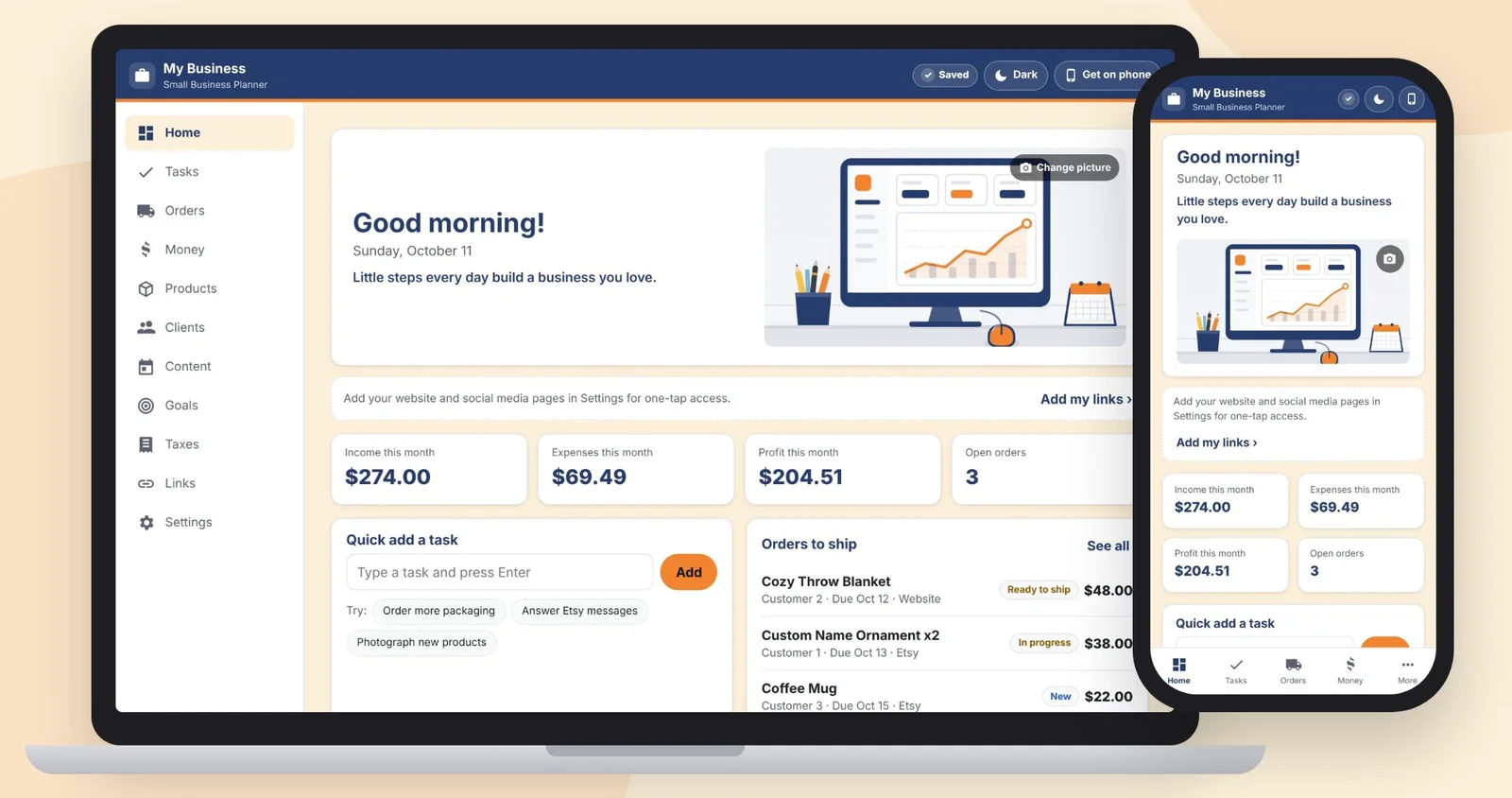
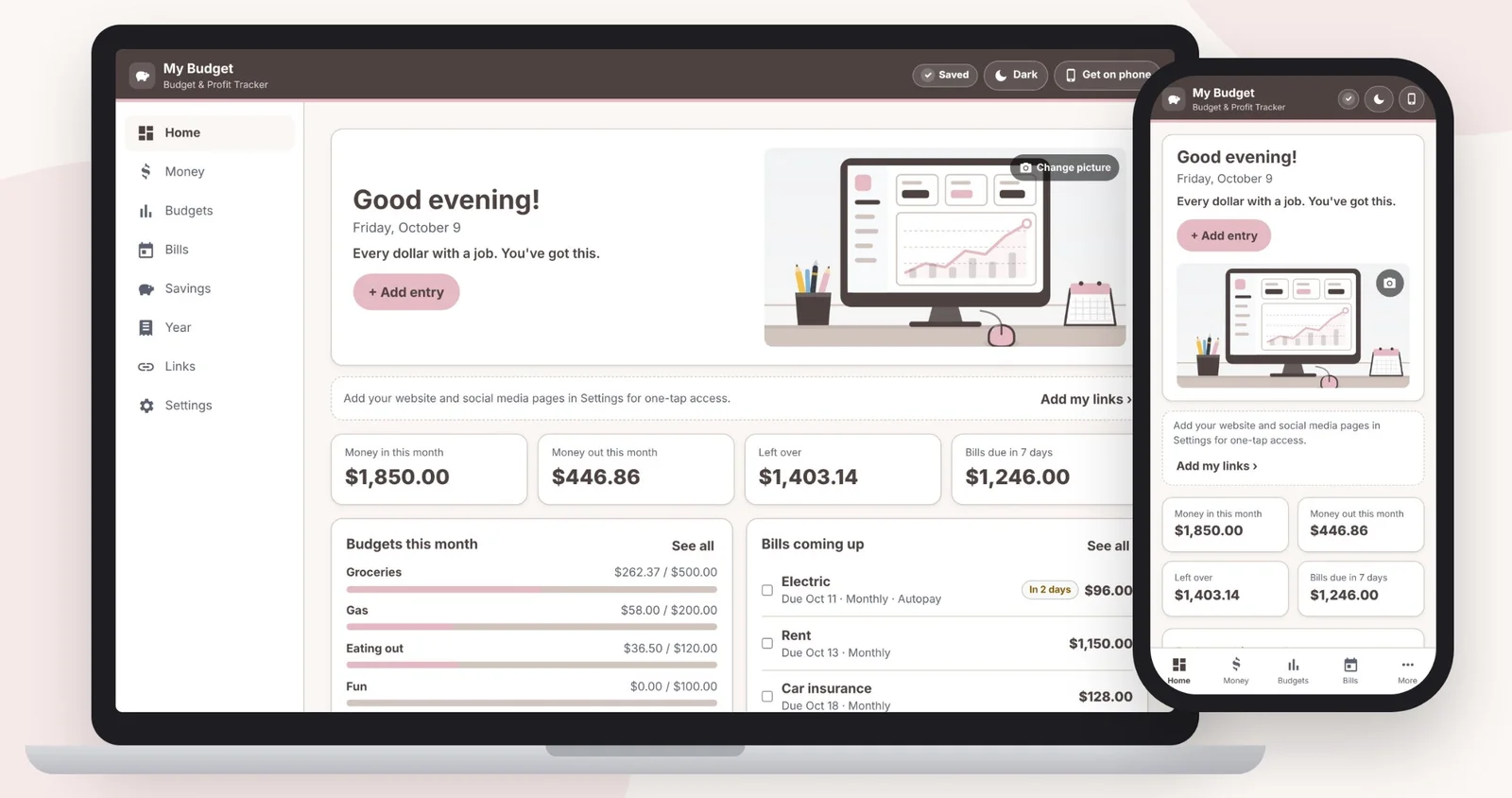
Ten planners for your phone and computer. Each one is sold on Etsy. Click a picture to see it bigger.
All 10 planner apps
Small business
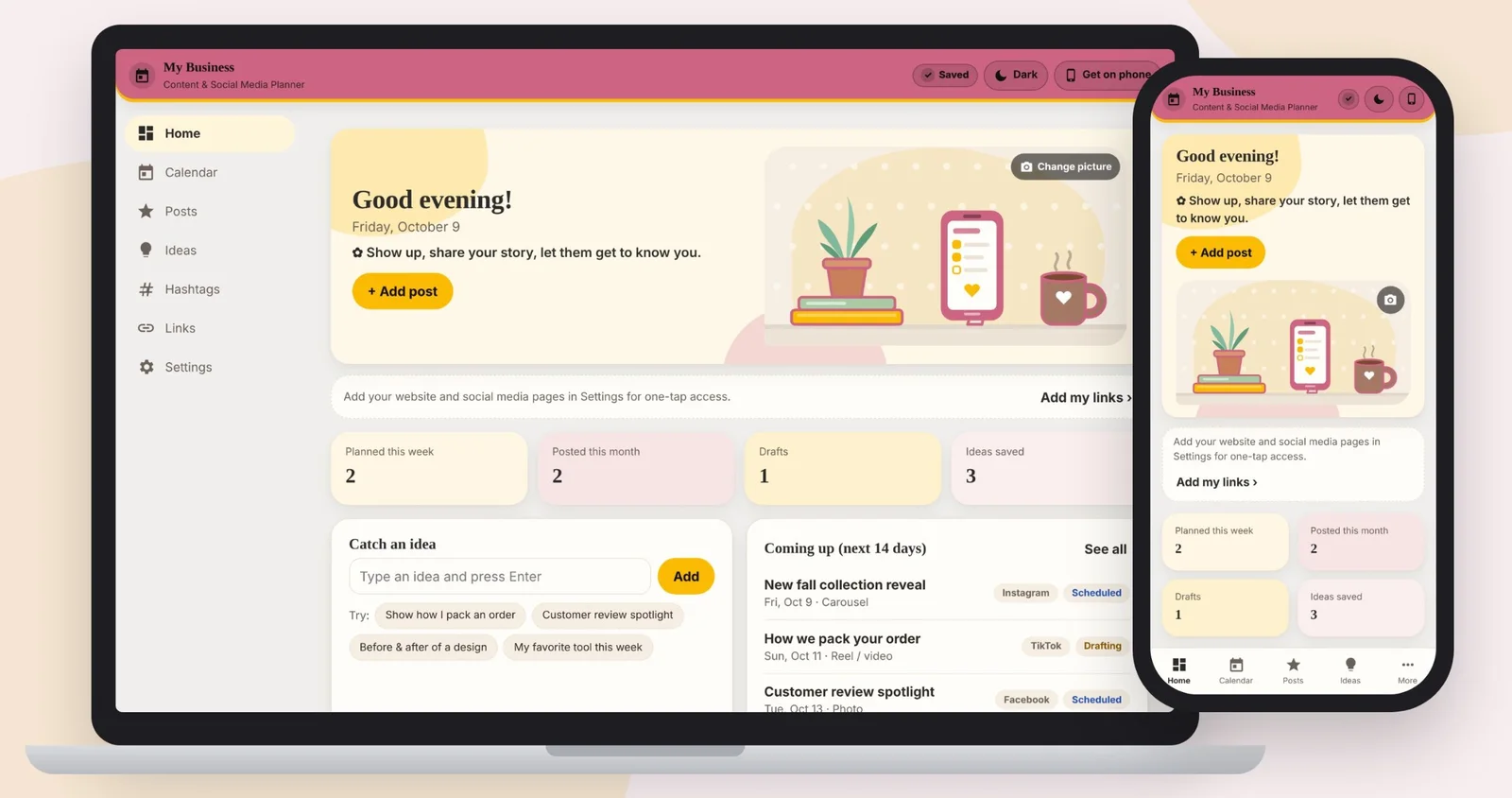
Content & Social Media Planner
Plan posts, captions, hashtags and ideas.
View on Etsy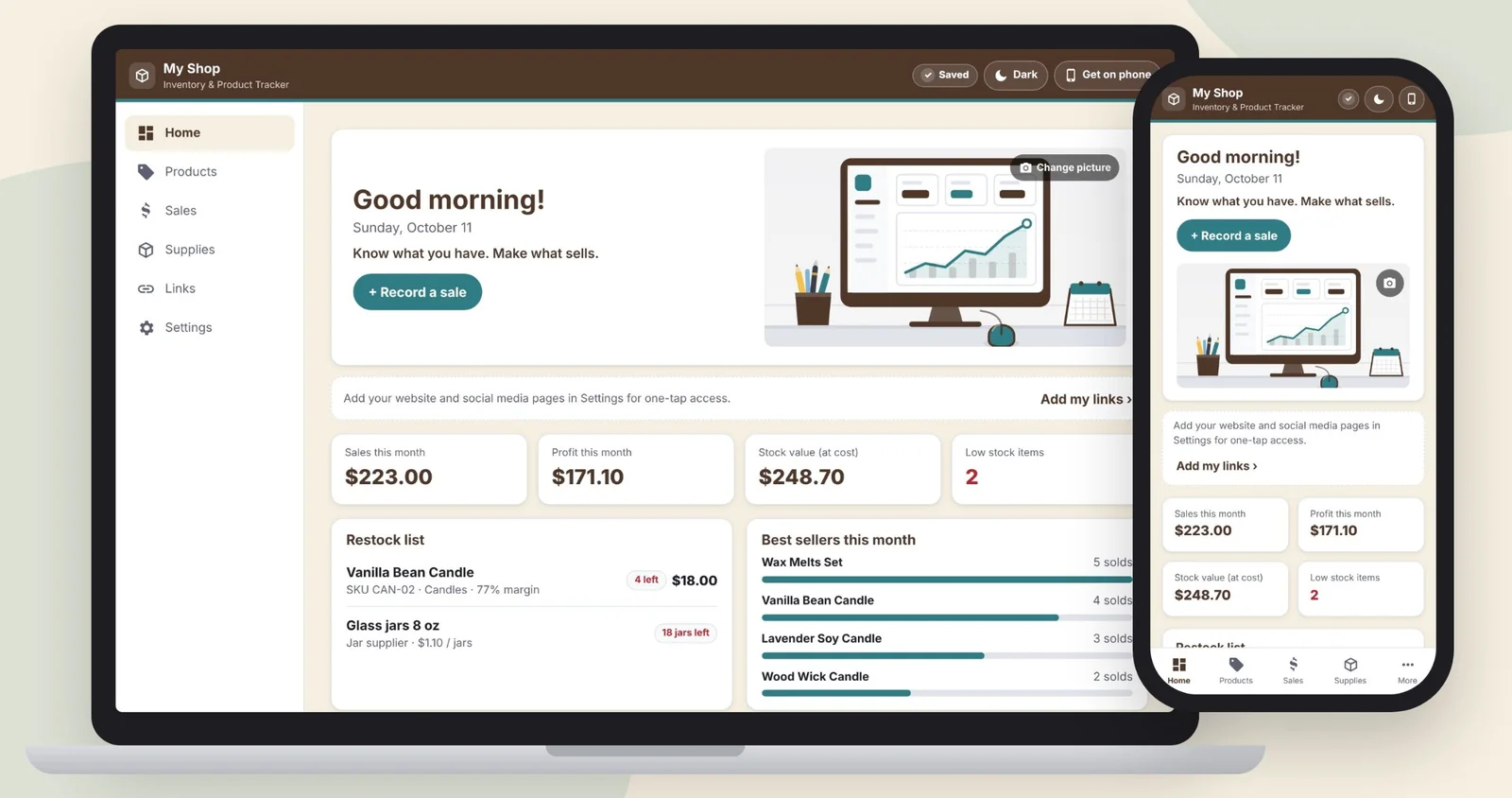
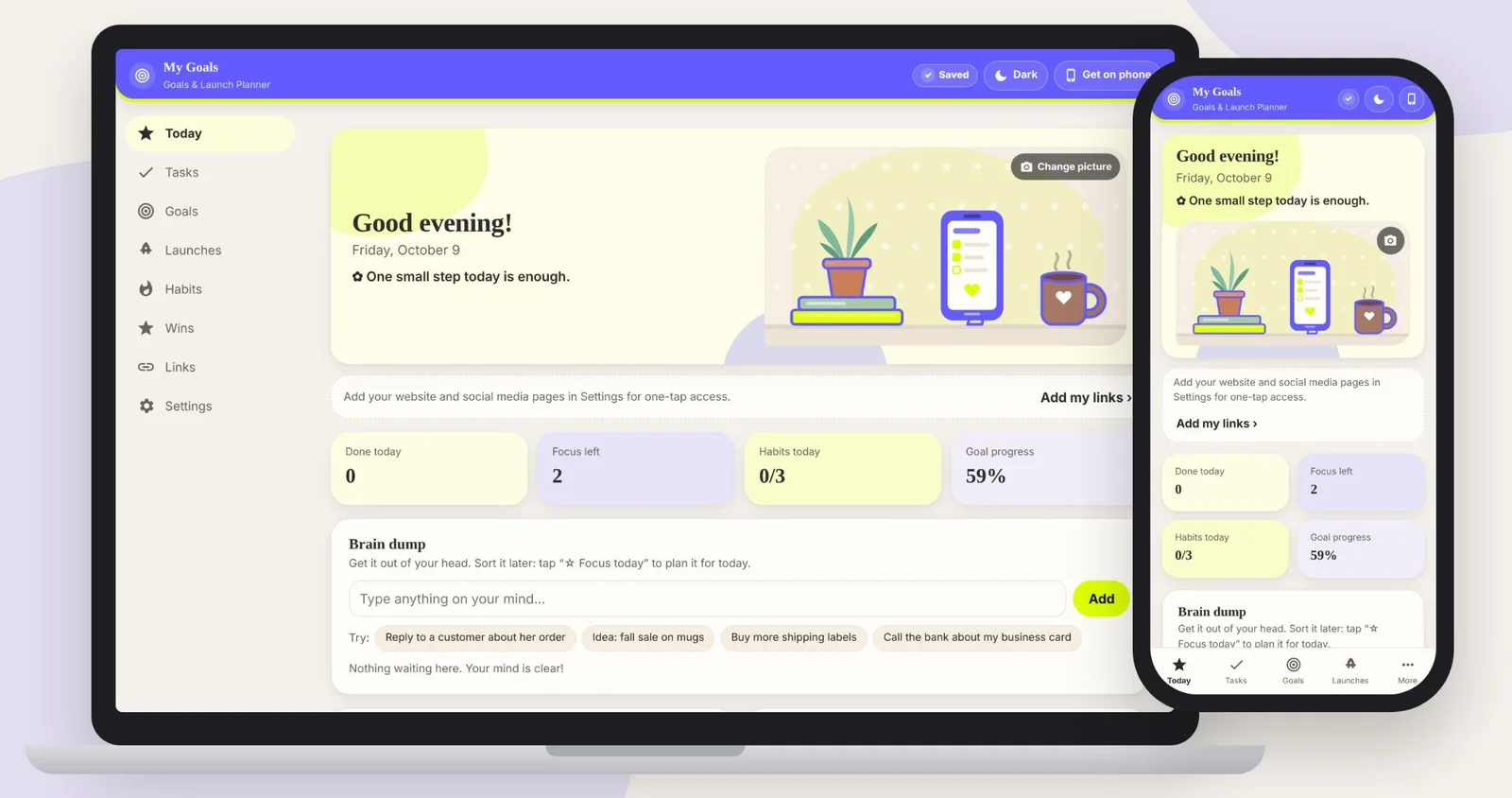
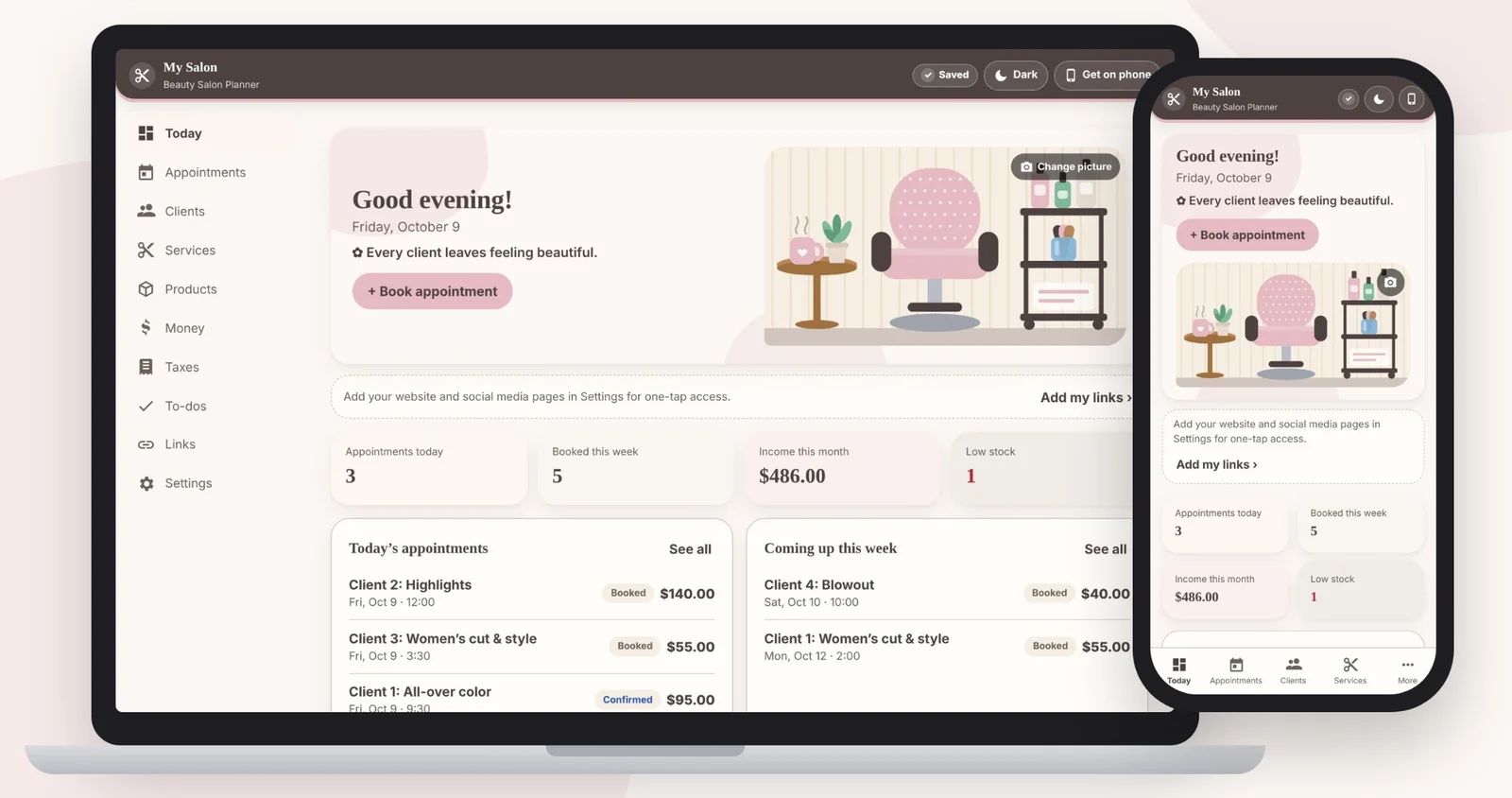
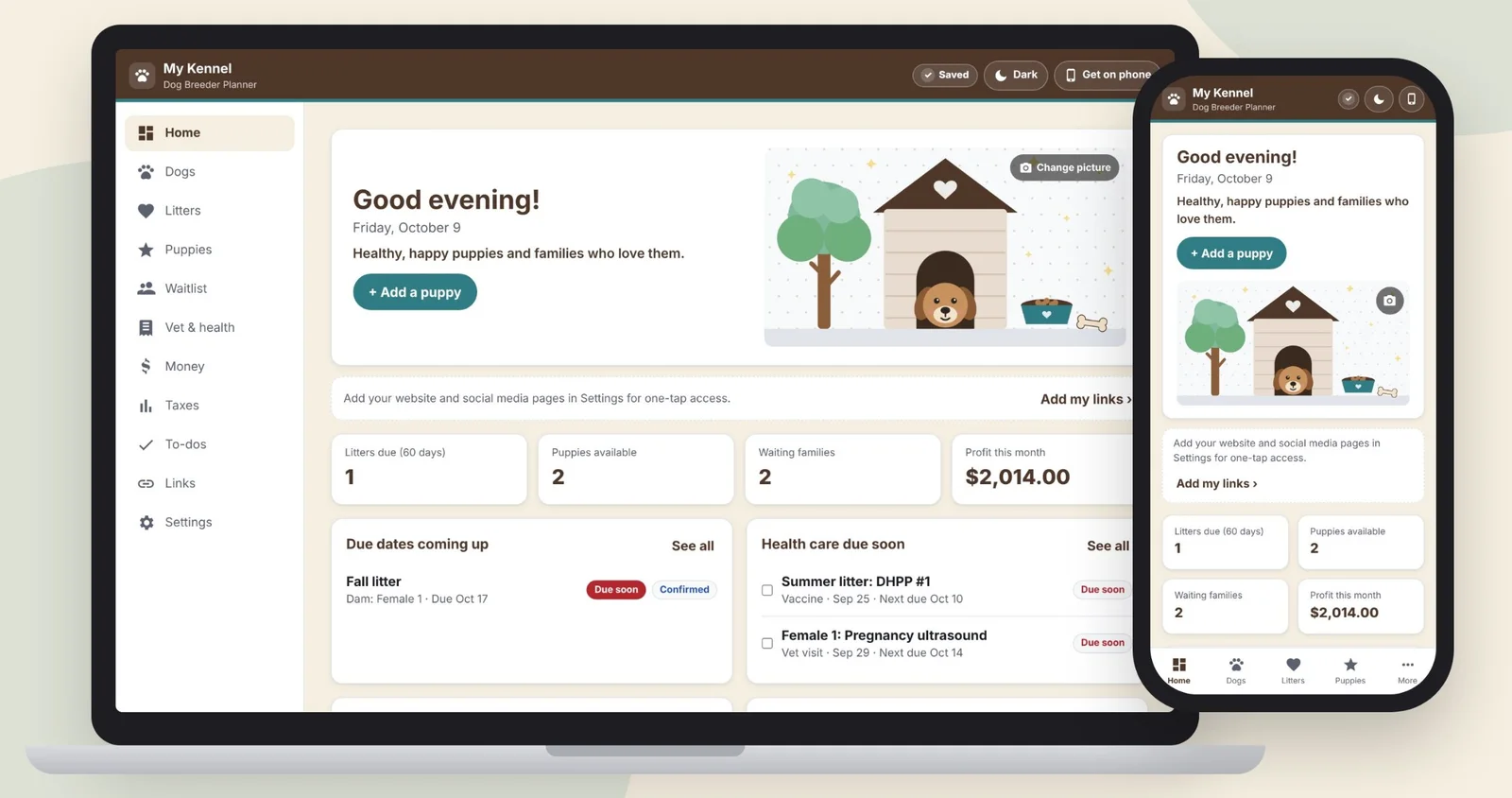
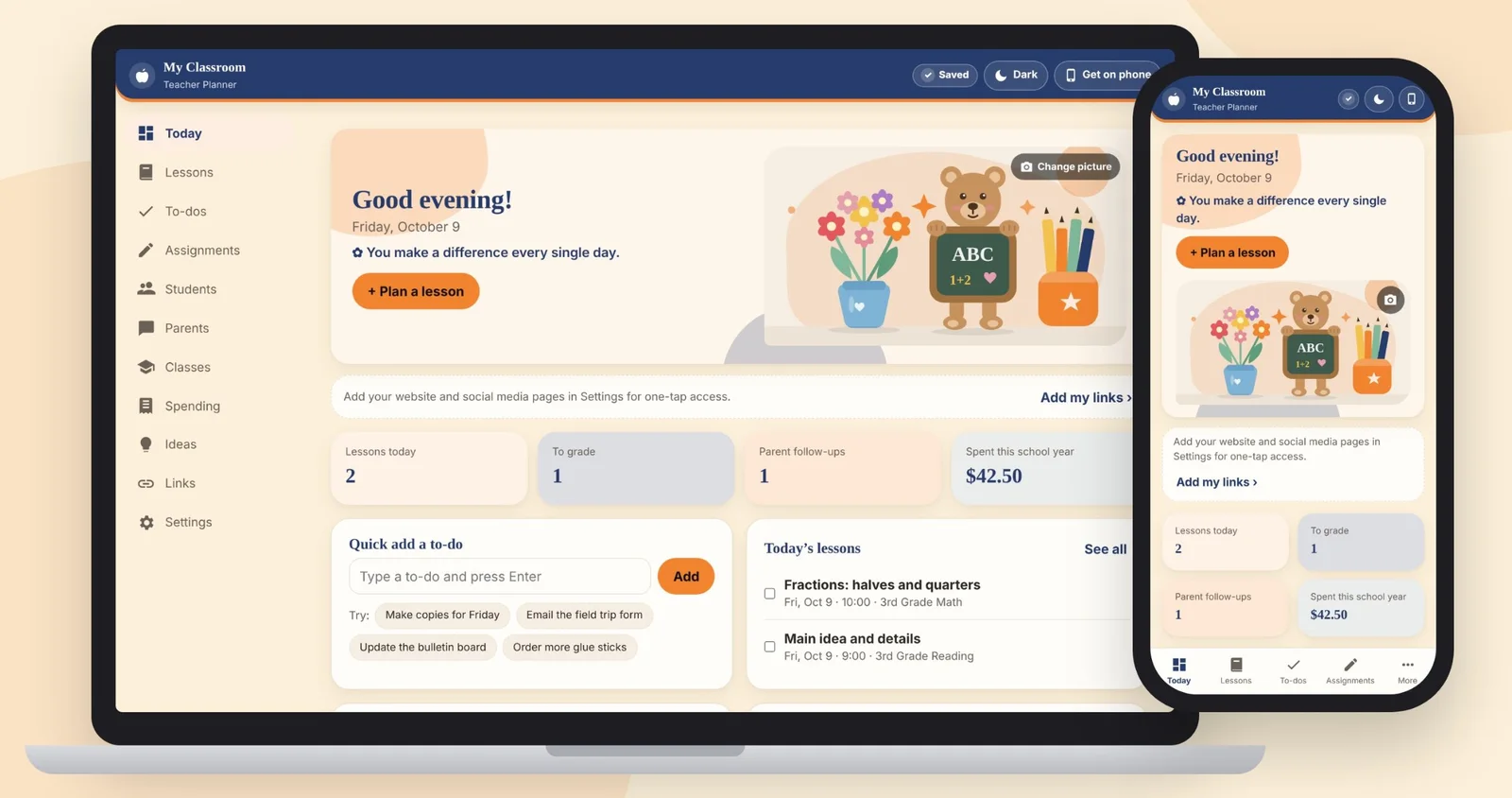
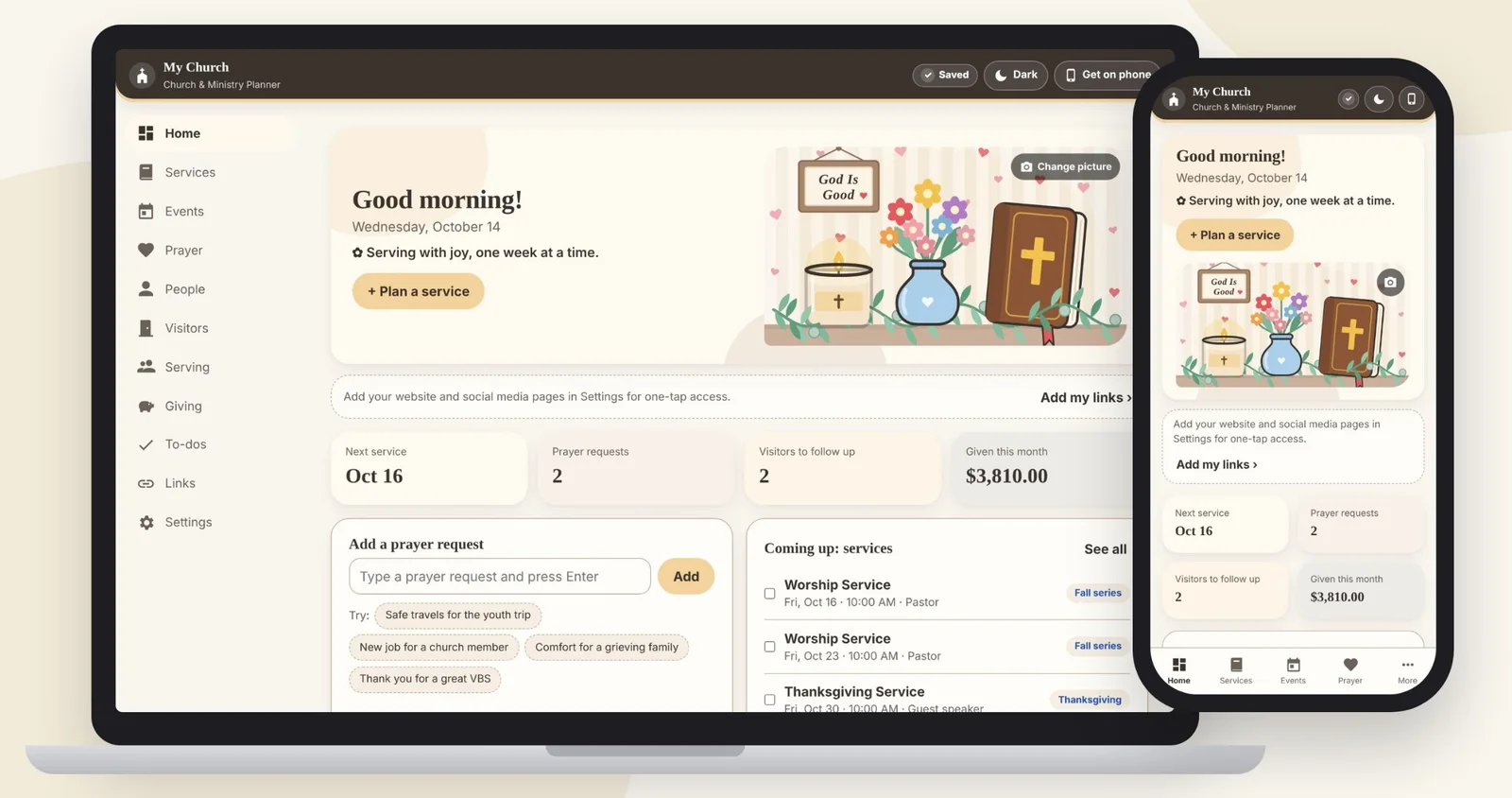
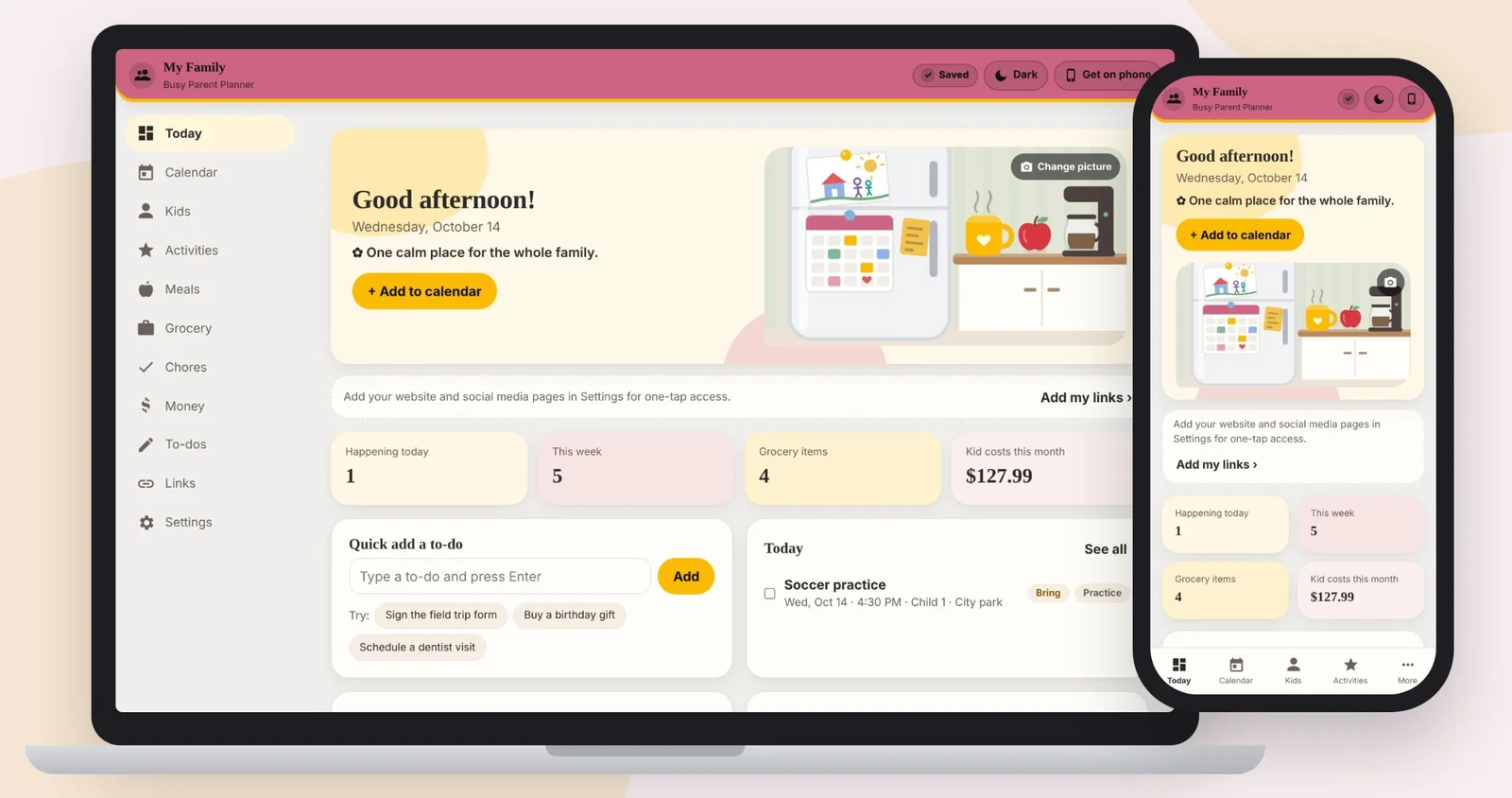
Every planner includes
- Phone and computer. Open it in your web browser and add it to your phone’s home screen like an app.
- Your information stays yours. Everything you add saves to a Google Sheet in your own free Google account.
- Your colors. 8 color styles and two looks: Classic or Soft & Cozy.
- Light or dark mode. Pick whichever is easier on your eyes.
- Your own picture. Put your own photo on the Home page if you like.
- Setup guide. Step-by-step pictures for getting started.
How it works
Pick a planner
Find the one that fits you, then click “View on Etsy.”
Buy on Etsy
Etsy takes the payment and gives you the download right away.
Set it up
On a computer, follow the picture guide to make your copy. Then open your planner on your phone, tablet and computer.
Questions
What do I need?
A free Google account, internet, and a computer for setup. After that, use it on your phone, tablet or computer. Nothing else to buy.
Does it work on iPhone and Android?
Yes. It opens in your phone’s web browser, and you can add it to your home screen so it opens like an app.
Who can see my information?
Your planner saves to a Google Sheet in your own Google account. It is private to you unless you choose to share it.
Is it a monthly subscription?
No. You buy it once on Etsy.
Were the planners made with AI?
Yes. I used Claude, an AI tool, to write the code and illustrations based on my directions. I tested each planner myself, and the setup guide comes from my own testing, with AI helping me put it into words.
Can I return it or get a refund?
No. Because the planners are digital downloads, all sales are final: no returns, exchanges or refunds.
How do I get it?
After you buy on Etsy, you get the download right away. It includes a setup guide with pictures of each step.